Images & Diagrams· Create
See concepts you can't picture, illustrated instantly.
From mitochondria to Maxwell's equations — Cereby generates diagrams, illustrations, and study-ready images so abstract ideas have a face.
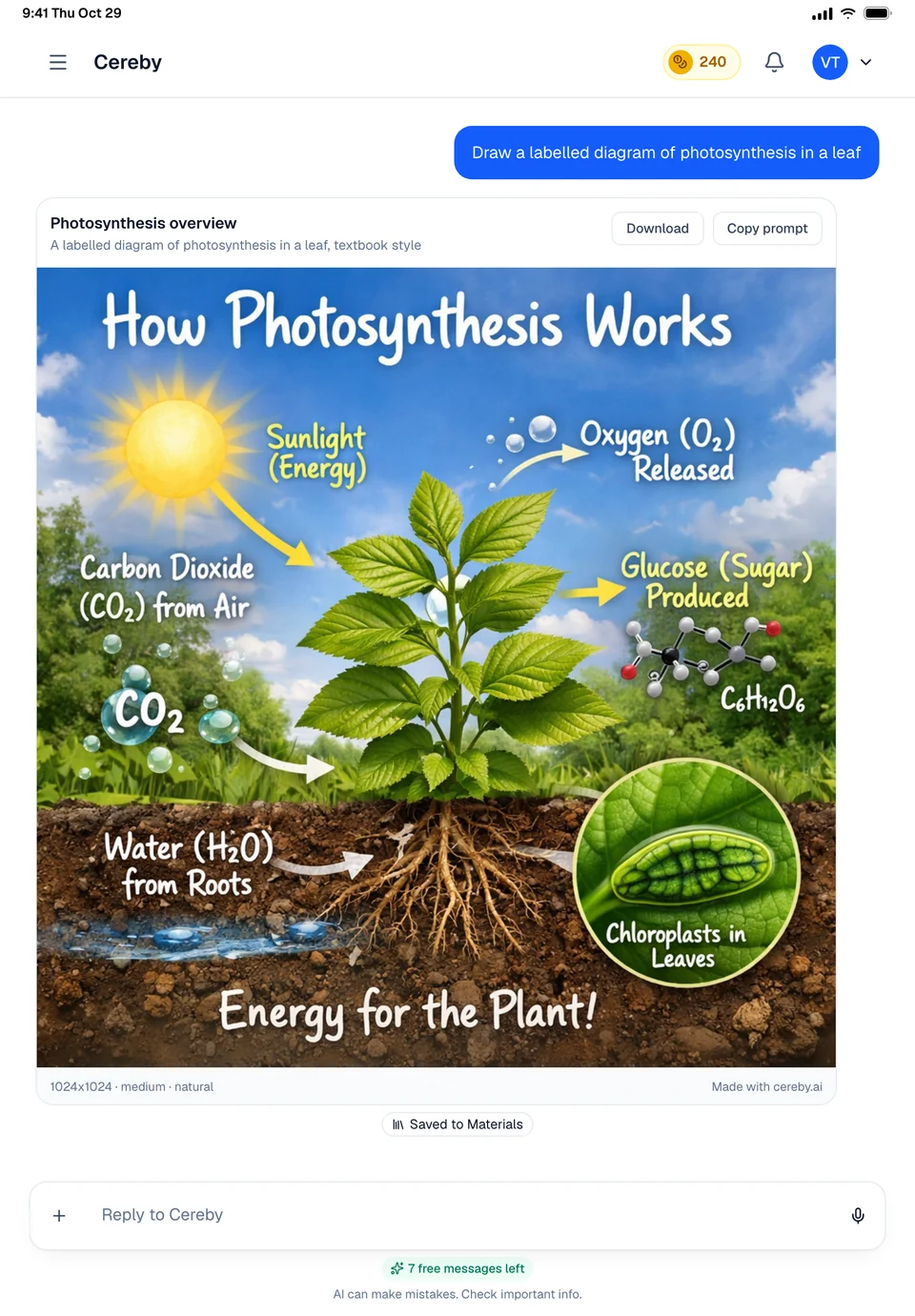
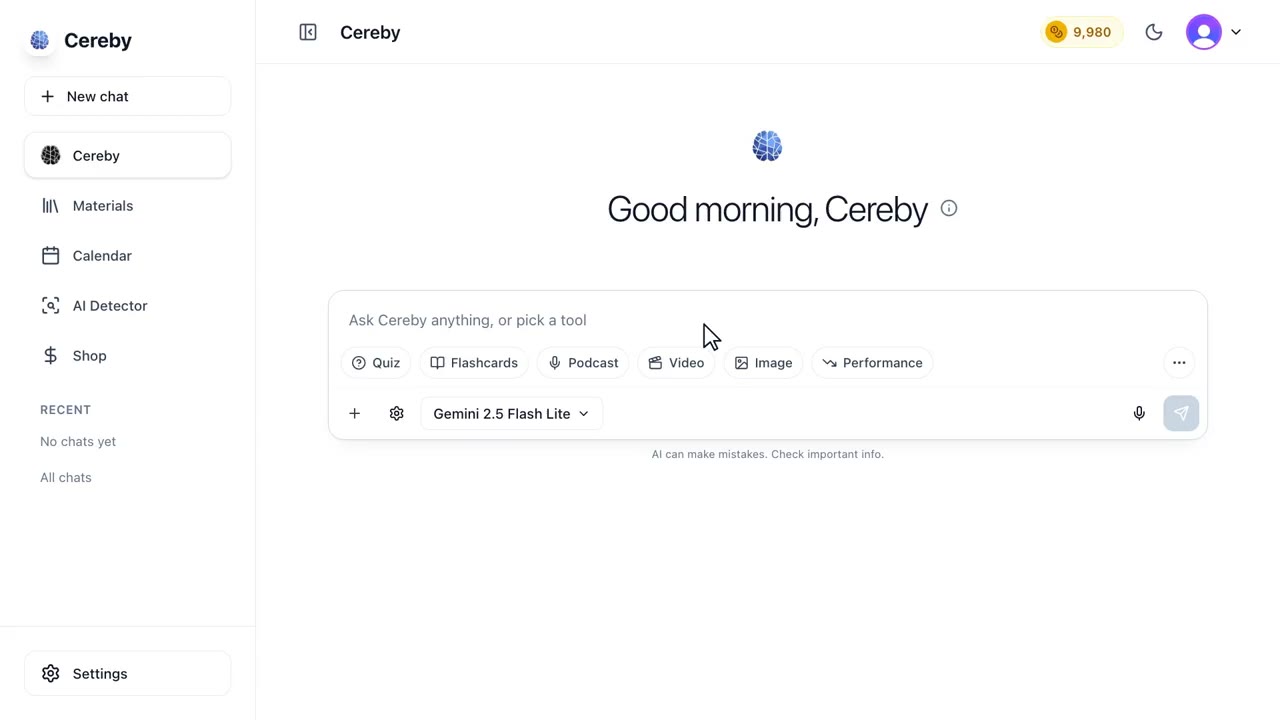
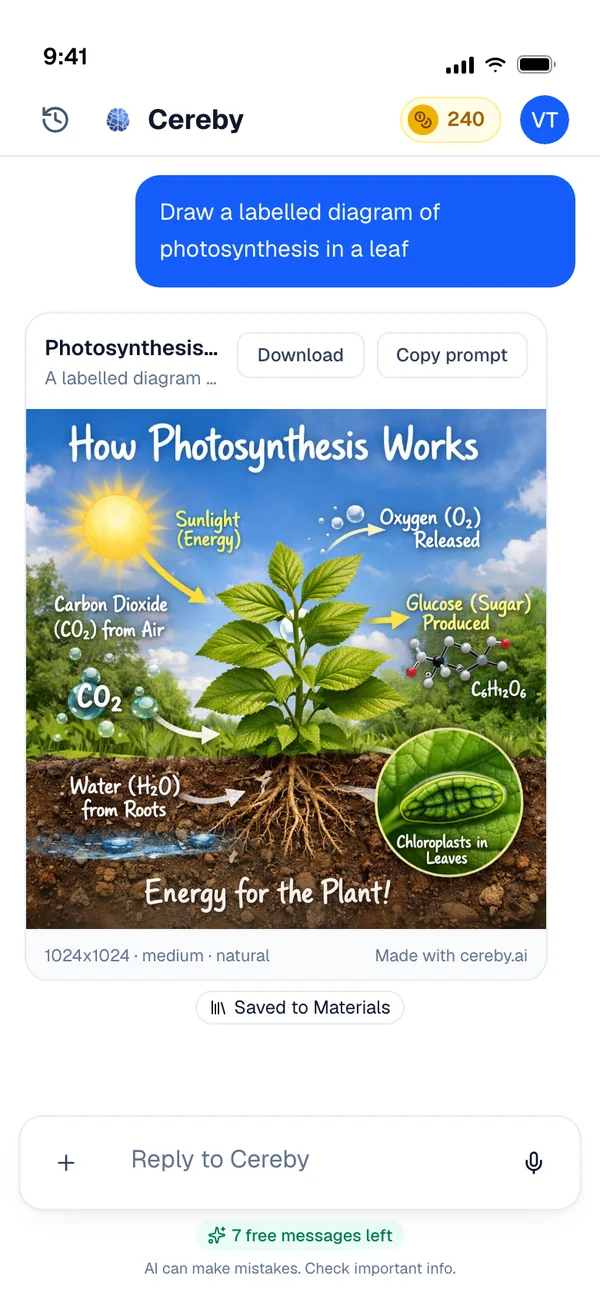


A picture of the idea, or a map of how it works
Some topics are easier to learn once you can look at them. Ask Cereby for a picture and it makes an image: a plant cell with its organelles labelled, the layers of the atmosphere, a scene from the Battle of Gettysburg. Ask for the structure of something and it draws a diagram right in its answer instead: a flowchart of how a bill becomes law, a timeline of the French Revolution, a mind map of a chapter.
The difference matters because a generated picture is good at showing what a thing looks like, and a drawn diagram is good at showing how the parts connect. Cereby tells them apart from how you ask. A request for a flowchart, a timeline, a sequence, a mind map or a Venn diagram is drawn as a diagram. A request for a picture or an illustration becomes an image.
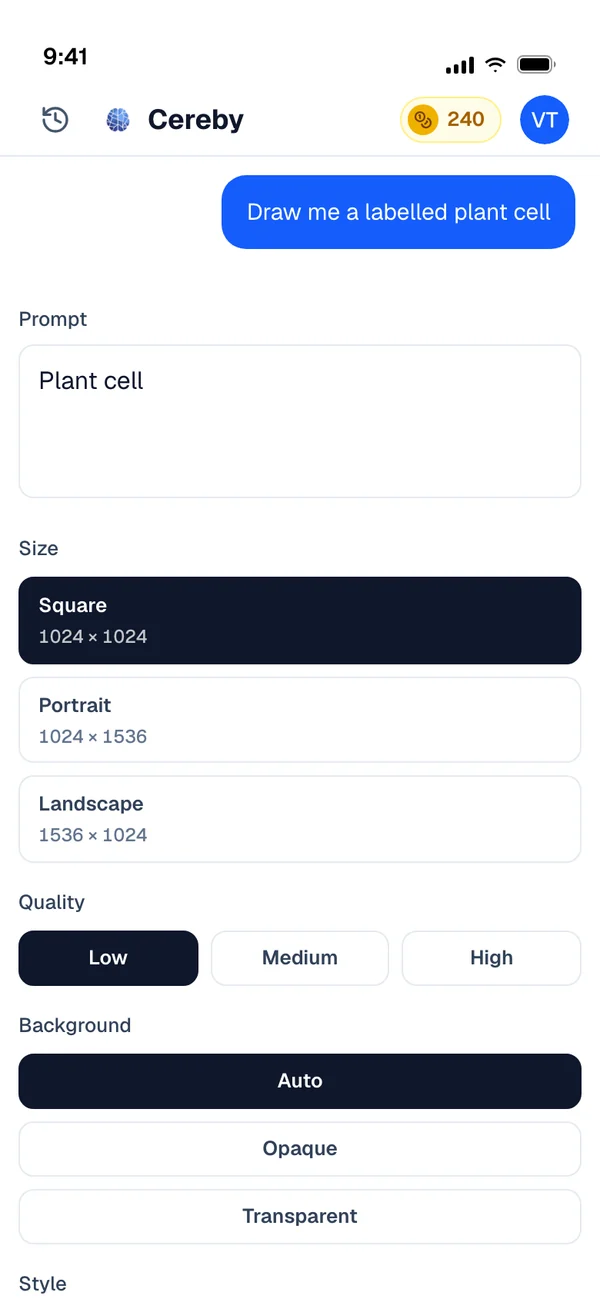
Before an image is made you see its settings: the prompt, a title, the size, the quality, the background and a style. Square, portrait and landscape are the sizes. Natural, vivid, illustration and diagram are the styles. If you attach your notes or a file, Cereby reads them first and writes the image prompt from your material, so the labels match what your class calls things.
Finished images land in your materials with a title, so the diagram you made for one exam is there when the final comes around. Each one can be downloaded, and the prompt that made it can be copied and reused.
- 3 sizesSquare, portrait or landscape
- 4 stylesNatural, vivid, illustration or diagram
- From notesAttach a file and the prompt is written from it
- SavedEvery image goes into your materials
Two requests, two kinds of visual
What Cereby makes for a request that wants a picture, and for one that wants a structure.
- You ask
Draw a plant cell with every organelle labelled.
- You get
An image. The settings card opens with your prompt, square size and natural style, and the finished picture is saved to your materials with its title.
- You ask
Make a flowchart of how a bill becomes law.
- You get
A diagram drawn in the reply: Introduced in the House or Senate Committee review and markup Floor debate and vote The other chamber passes it Signed or vetoed by the President
Images & Diagrams in three steps
Ask for what you want to see
Name the subject, or attach the notes it should be drawn from. Say picture for an image and flowchart, timeline or mind map for a diagram.
Check the settings
For an image, confirm the prompt and choose the size, quality, background and style. Diagrams skip this and appear in the answer.
Keep it
Images are saved to your materials and can be downloaded. Ask for changes in the same chat when a label or a shape is off.
Made for weeks like these
Biology structures you have to label on the exam
Make a labelled cell, heart or neuron in illustration style and quiz yourself by covering the labels.
History that only makes sense in order
Ask for a timeline of the causes of World War One so the alliances and dates stop blurring together.
Comparing two things side by side
A Venn diagram of mitosis and meiosis shows in one glance what they share and where they split apart.
A visual for your slides
Make a landscape image with a transparent background for a class presentation, then download it.
Images & Diagrams: common questions
If your question isn't here, ask anything in the chat. A real person answers.
Related

Your next exam starts here.
Bring your syllabus. Cereby learns your schedule, tracks what's due and turns every topic into the video, podcast, quiz or deck you'll actually study from. Free to start, no card required.