Smart Notes· Create
Notes that write themselves from your slides.
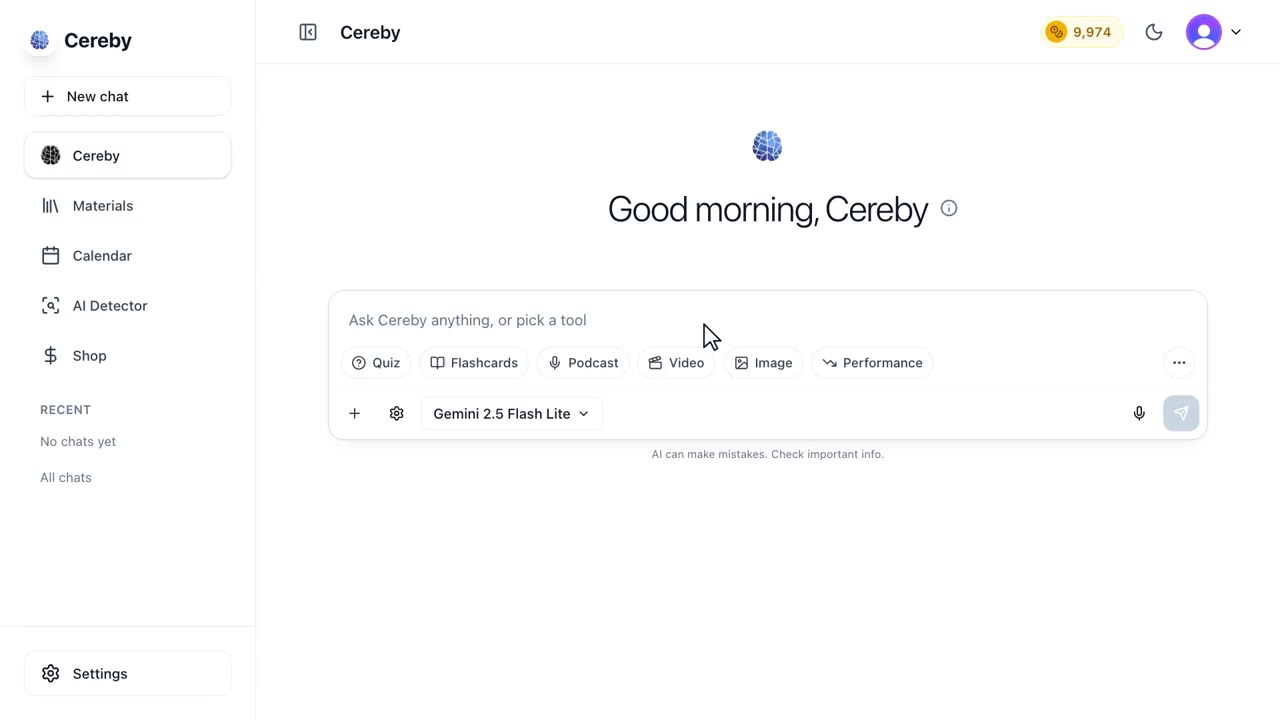
Drop in slides, a reading or a topic and Cereby writes study notes in the format you think in: Cornell, outline, bullet points or Q&A. Then edit, share or quiz yourself on them.


Notes in the format you actually study from
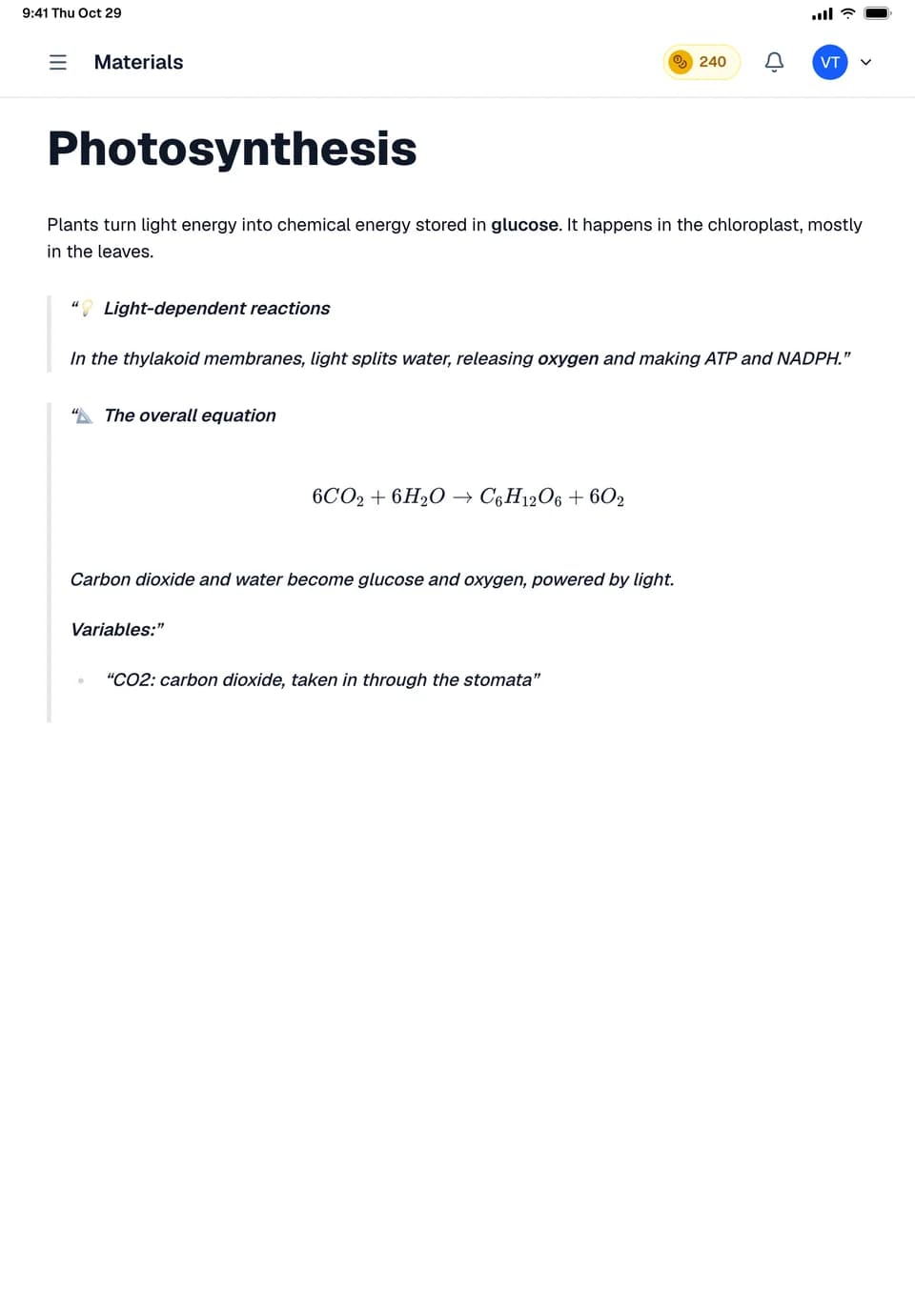
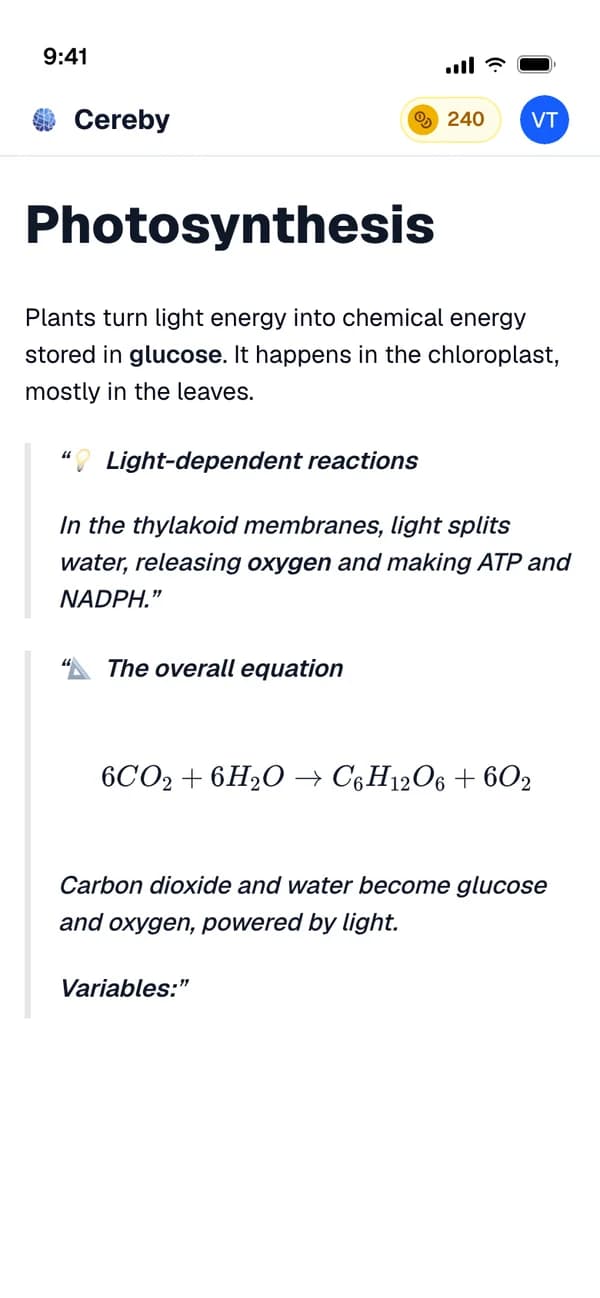
Some people think in outlines, some in Cornell columns, some in questions and answers. Cereby writes study notes from your slides, readings or a topic in whichever of those you pick, so you are not reformatting someone else's notes before you can use them.
Notes live in Cereby as notebooks you can edit like any document. Share one with a link, export it as a PDF to print, or turn it into a quiz or a deck when you want to test yourself on it. On Lite you can also have a note read aloud with the words highlighted as they are spoken, and highlight a passage to ask Cereby Mini about it.
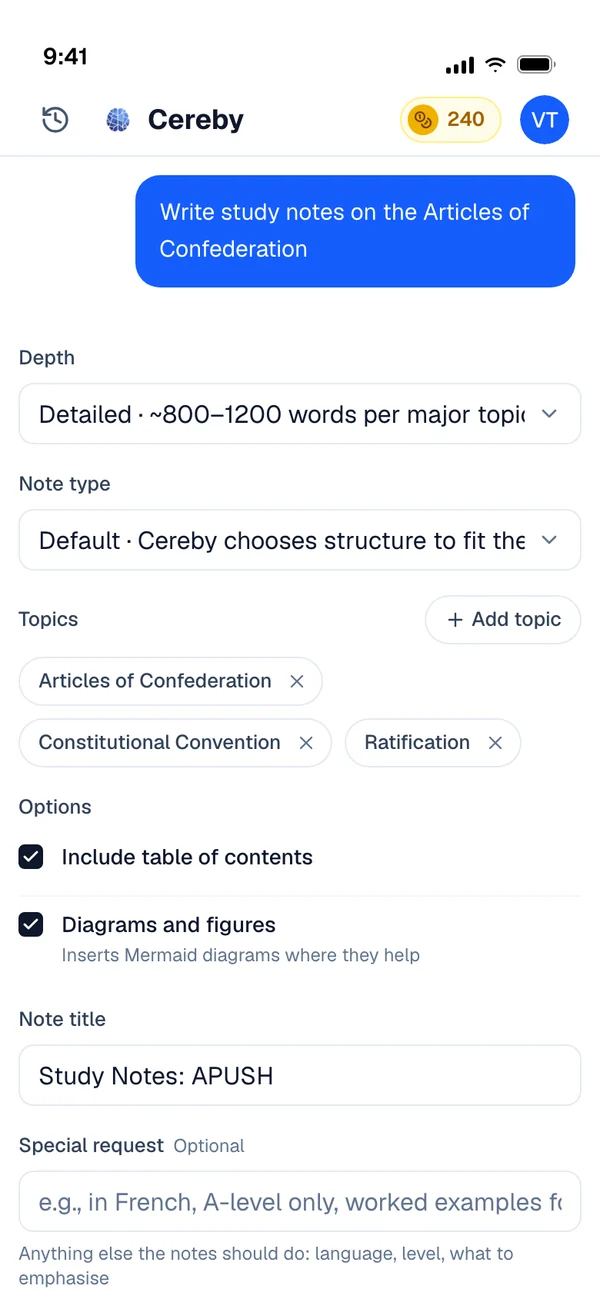
The depth setting matters more than it sounds. A basic note keeps each idea to a line or two for a quick review, a detailed note adds the examples your lecturer talked through, and a comprehensive note is closer to a short textbook chapter you can learn from when you missed the class entirely.
- 6 formatsDefault, Cornell, bullets, paragraphs, outline or Q&A
- 3 depthsBasic, detailed or comprehensive
- ExportPDF, HTML or plain text, or a public link
- Read aloudWith highlighting, on Lite, Pro and Premium
A note in Cornell format
Part of a basic level note on the causes of the First World War, from a history survey lecture.
- Cue
What were the long term causes?
- Notes
Militarism: an arms race, especially between Britain and Germany at sea. Alliances: the Triple Entente against the Triple Alliance turned a regional crisis into a continental war. Imperialism: competition for colonies raised tension. Nationalism: Slavic nationalism in the Balkans threatened Austria Hungary.
- Cue
What was the trigger?
- Notes
The assassination of Archduke Franz Ferdinand in Sarajevo on 28 June 1914.
- Summary
Long running rivalries made a large war likely. The assassination set off the alliance system, and within weeks most of Europe was at war.
Smart Notes in three steps
Bring the source
Lecture slides, a reading, a YouTube lecture, or just the topic.
Choose a format and depth
Cornell, outline, bullet points, paragraphs or Q&A, at a basic, detailed or comprehensive level.
Edit, share or study it
Fix anything in the editor, share the note, export it, or ask for flashcards and a quiz built from it.
Made for weeks like these
A lecture with slides but no notes
Upload the deck after class and get a clean outline before the details fade.
Readings you will never finish
Turn a forty page chapter into a detailed note in Q&A form you can review in a fraction of the time.
Printing a review packet
Export your notes for each unit as PDFs and staple them together before the exam.
Listening instead of reading
On Lite, have a note read aloud on the bus with read along highlighting so you can follow the words.
Smart Notes: common questions
If your question isn't here, ask anything in the chat. A real person answers.
Related

Your next exam starts here.
Bring your syllabus. Cereby learns your schedule, tracks what's due and turns every topic into the video, podcast, quiz or deck you'll actually study from. Free to start, no card required.