Educational Videos· Create
Turn any topic into a short video lecture.
Drop in a PDF, paste a syllabus topic, or describe a concept. Cereby produces a short narrated, illustrated explainer you can rewatch as you study.
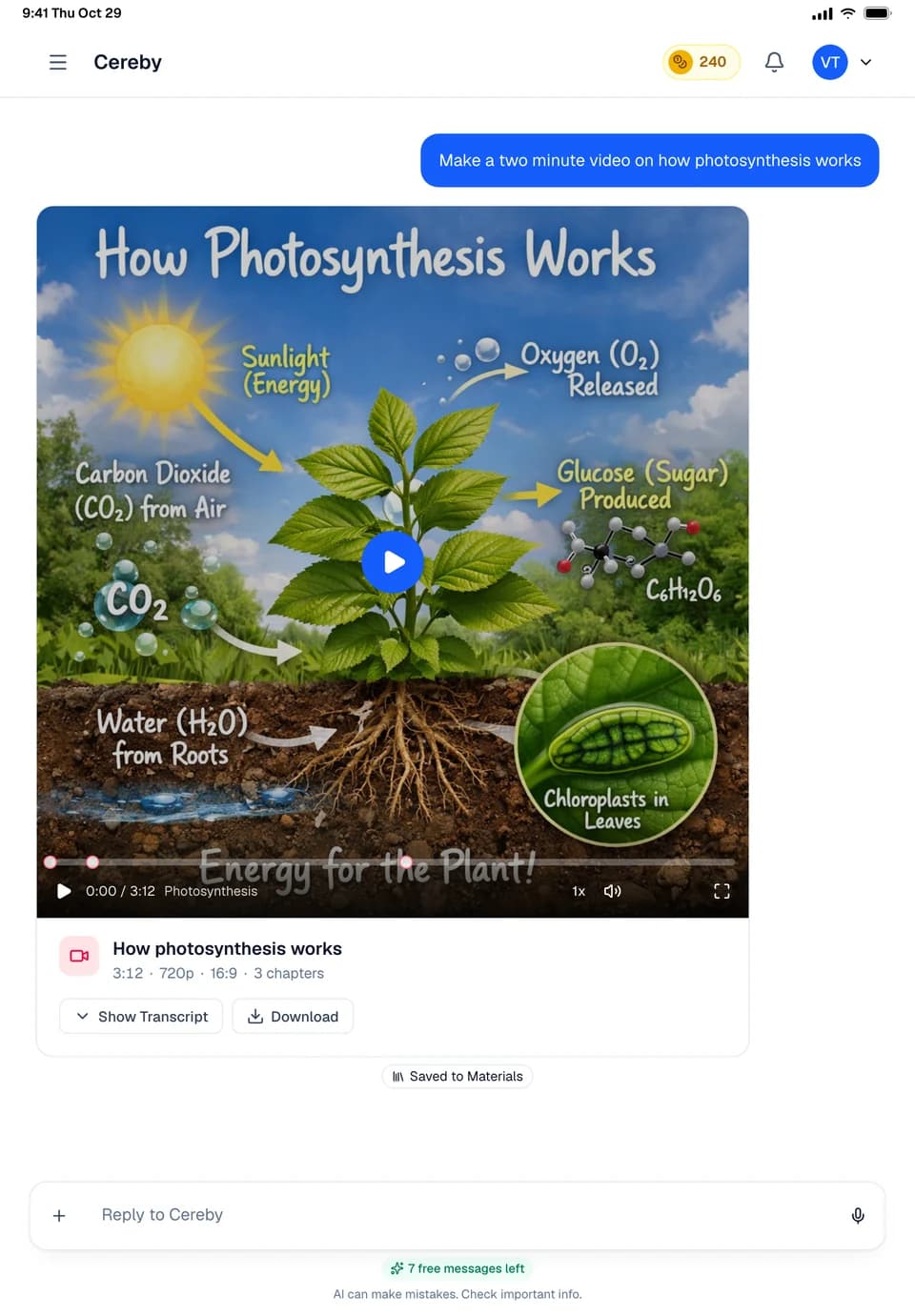
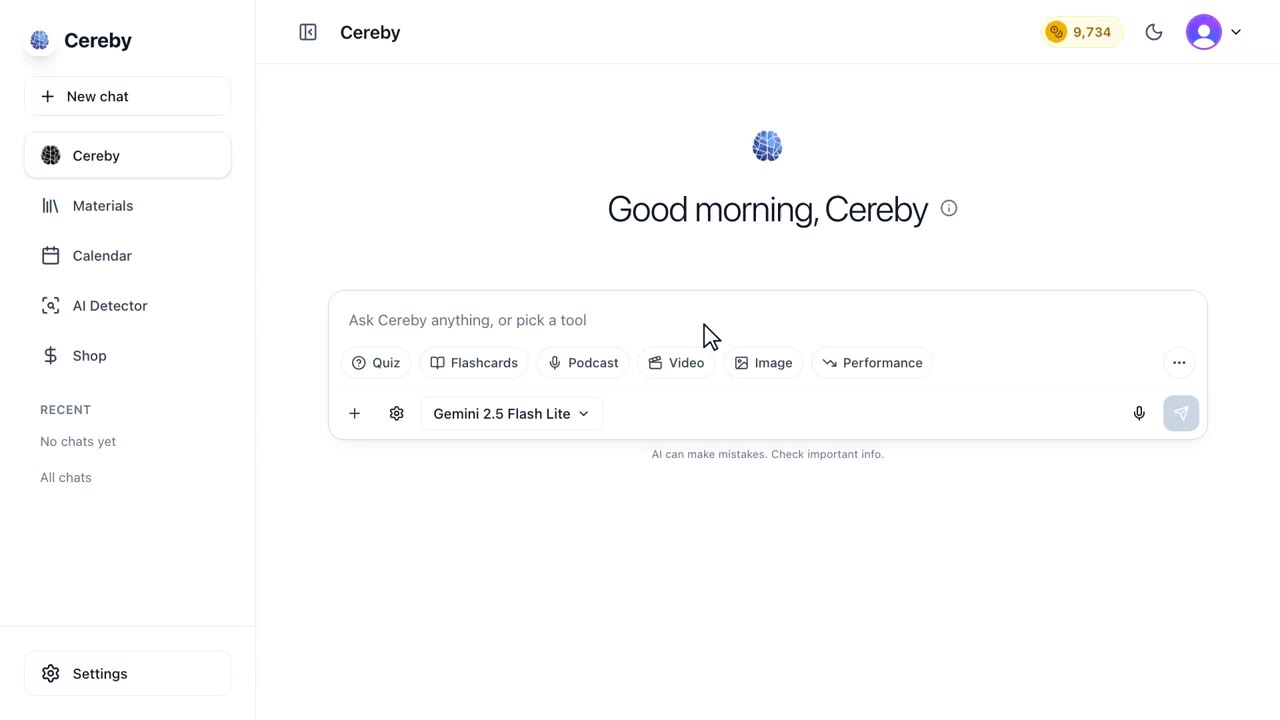
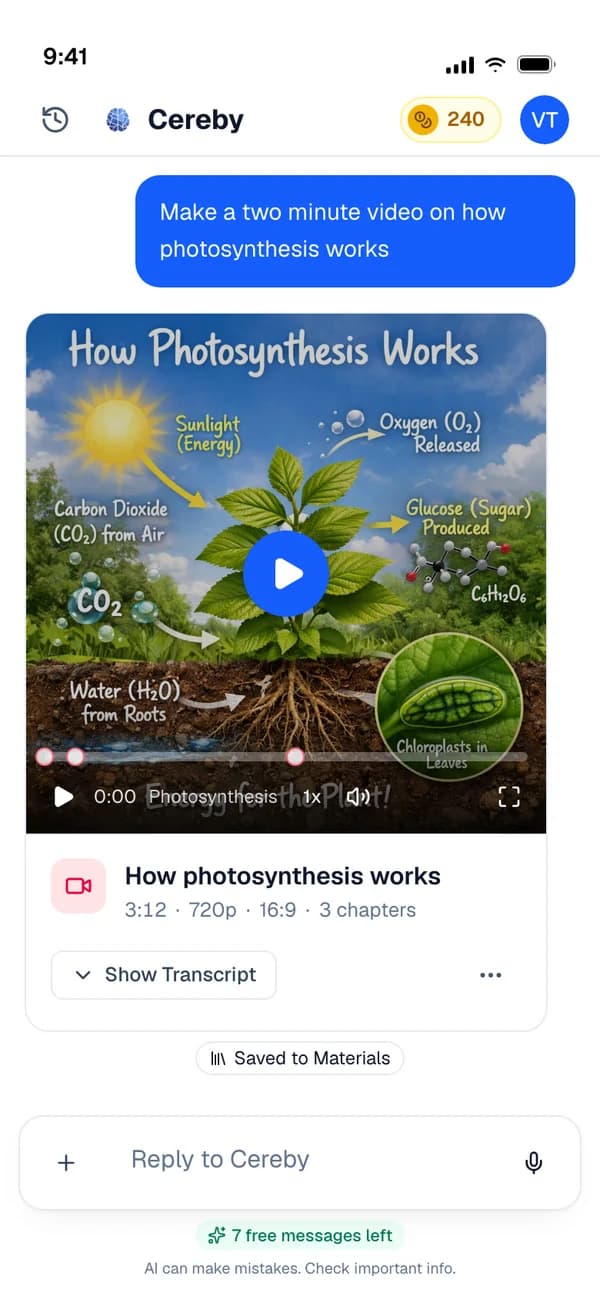


A short explainer for the concept you keep rereading
Some ideas only click when you see them. Cereby writes a short video lesson on any topic: it plans the scenes, narrates each one and pairs it with an illustration, then stitches them into a video you can watch, rewatch and download.
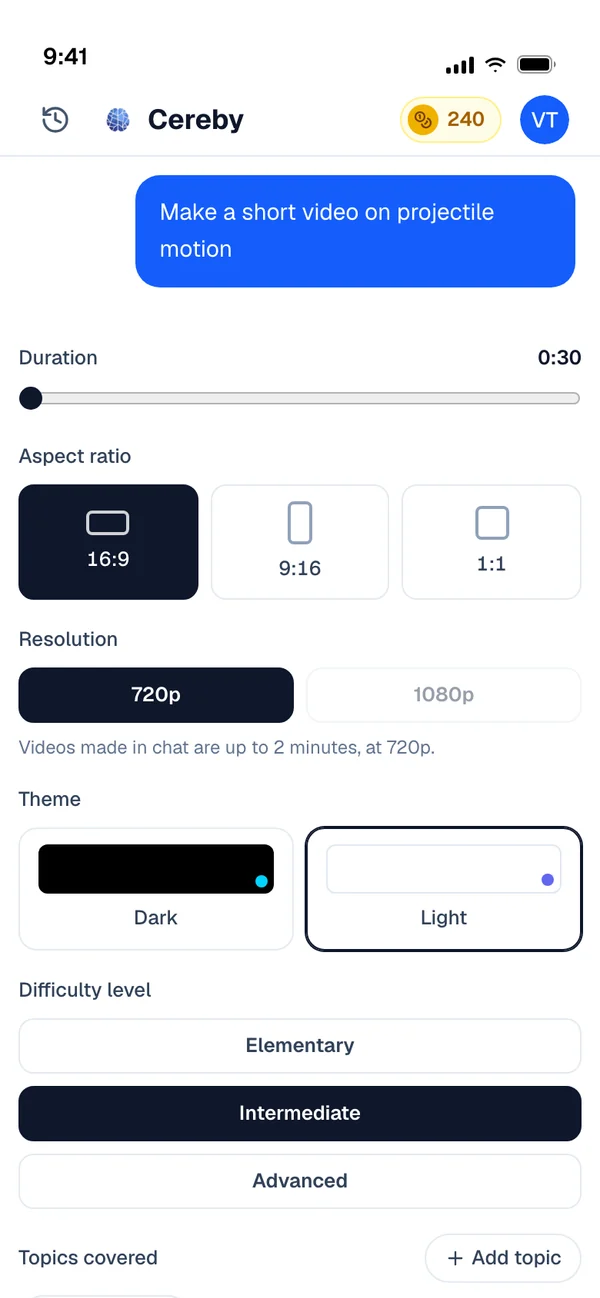
Videos run from 30 seconds to two minutes, which is long enough to explain one idea properly and short enough to watch again right before an exam. Pick a widescreen, vertical or square frame, a light or dark theme, and subtitles if you study with the sound off.
Each video starts as a scene plan. Cereby breaks the concept into a handful of steps, writes the narration for each one, and picks an illustration that shows what the narrator is describing. The scenes change when the narration finishes, so the pacing follows the explanation instead of a fixed timer.
That makes it a good fit for processes and cause and effect: things where the order matters and a diagram on one page is hard to follow. It is less useful for long derivations, where a study guide with worked examples will serve you better.
- 30s to 2 minTwo minutes is the default
- 3 framesWidescreen, vertical or square
- Light or darkWith subtitles on or off
- MP4Download at 720p and watch offline
How a video is planned
The scene plan Cereby wrote for a 90 second video on how vaccines train the immune system.
- Scene 1
Title card: How a vaccine teaches your body. Narration introduces the question.
- Scene 2
A harmless piece of a virus, the antigen, enters the body. Narration explains why it can't make you sick.
- Scene 3
B cells make antibodies that fit the antigen. Memory cells stay behind.
- Scene 4
Months later the real virus arrives and memory cells respond fast. Recap of the three steps.
Educational Videos in three steps
Name a concept or attach notes
One idea per video works well, like the Krebs cycle or how a bill becomes law.
Set the format
30 seconds to two minutes, 16:9, 9:16 or 1:1, light or dark, with or without subtitles.
Watch and keep it
Play it in Cereby or download the MP4 to watch offline.
Made for weeks like these
A process with too many steps
Turn mitosis, the nitrogen cycle or a legal procedure into a sequence you can watch in order.
Quick review before an exam
Make a two minute video for each topic and watch the set in the hallway before the test.
Sharing a vertical clip
Make it 9:16 with subtitles and it plays like any other short on your phone, which is where a lot of studying already happens.
Explaining something to a study group
Download the video and send it to the group chat when you are the one who finally understood it.
Educational Videos: common questions
If your question isn't here, ask anything in the chat. A real person answers.
Related

Your next exam starts here.
Bring your syllabus. Cereby learns your schedule, tracks what's due and turns every topic into the video, podcast, quiz or deck you'll actually study from. Free to start, no card required.